Found the Most-Saved Pin. Now What? How to Read Pinterest Save Counts

By Ruslan Saifullin, Pinterest analytics developer & founder of Pin Stats • Published October 5, 2026
Key takeaways
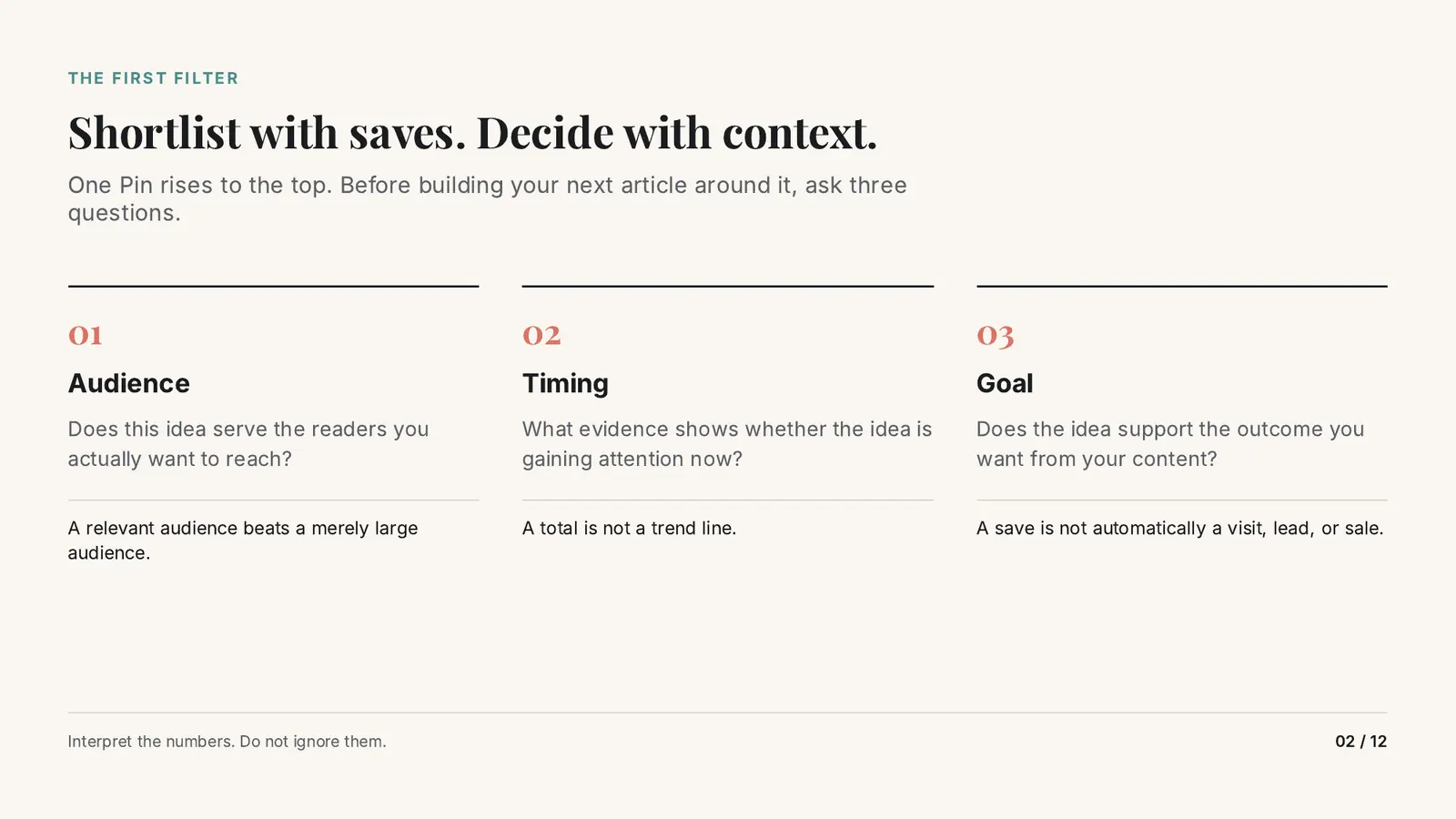
- Should I copy the most-saved Pin I found? Not on the strength of its save count alone. Saves are a good way to build a shortlist. Before you build an article around one Pin, check three things: whether it serves the readers you want, whether there is evidence the idea is gaining attention now, and whether it supports the outcome you want.
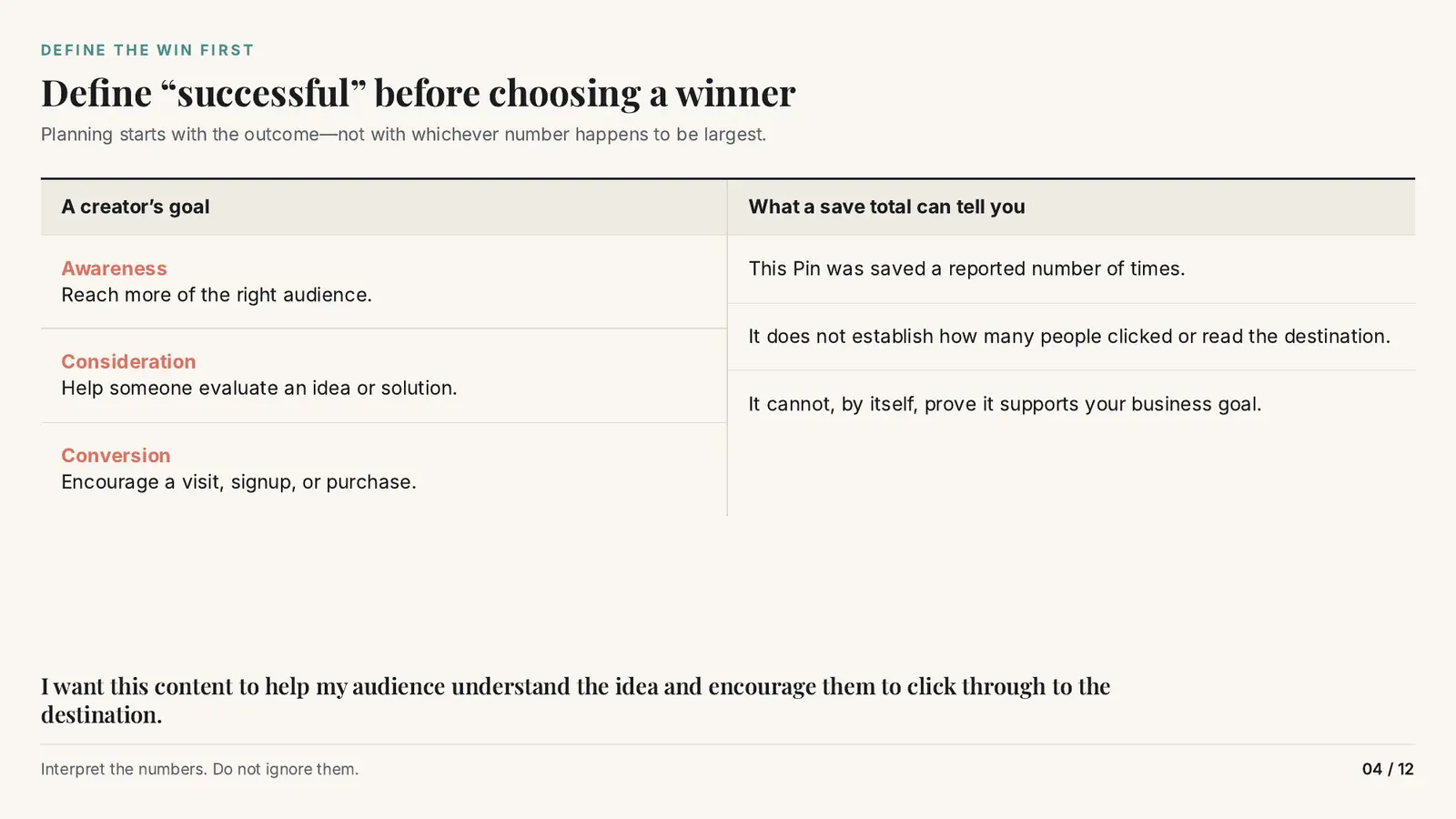
- What does a Pinterest save count actually tell you? That the Pin was saved a reported number of times. It does not tell you how many people clicked through or read the destination, and on its own it cannot prove the Pin supports your business goal. Decide what “successful” means for your content first.
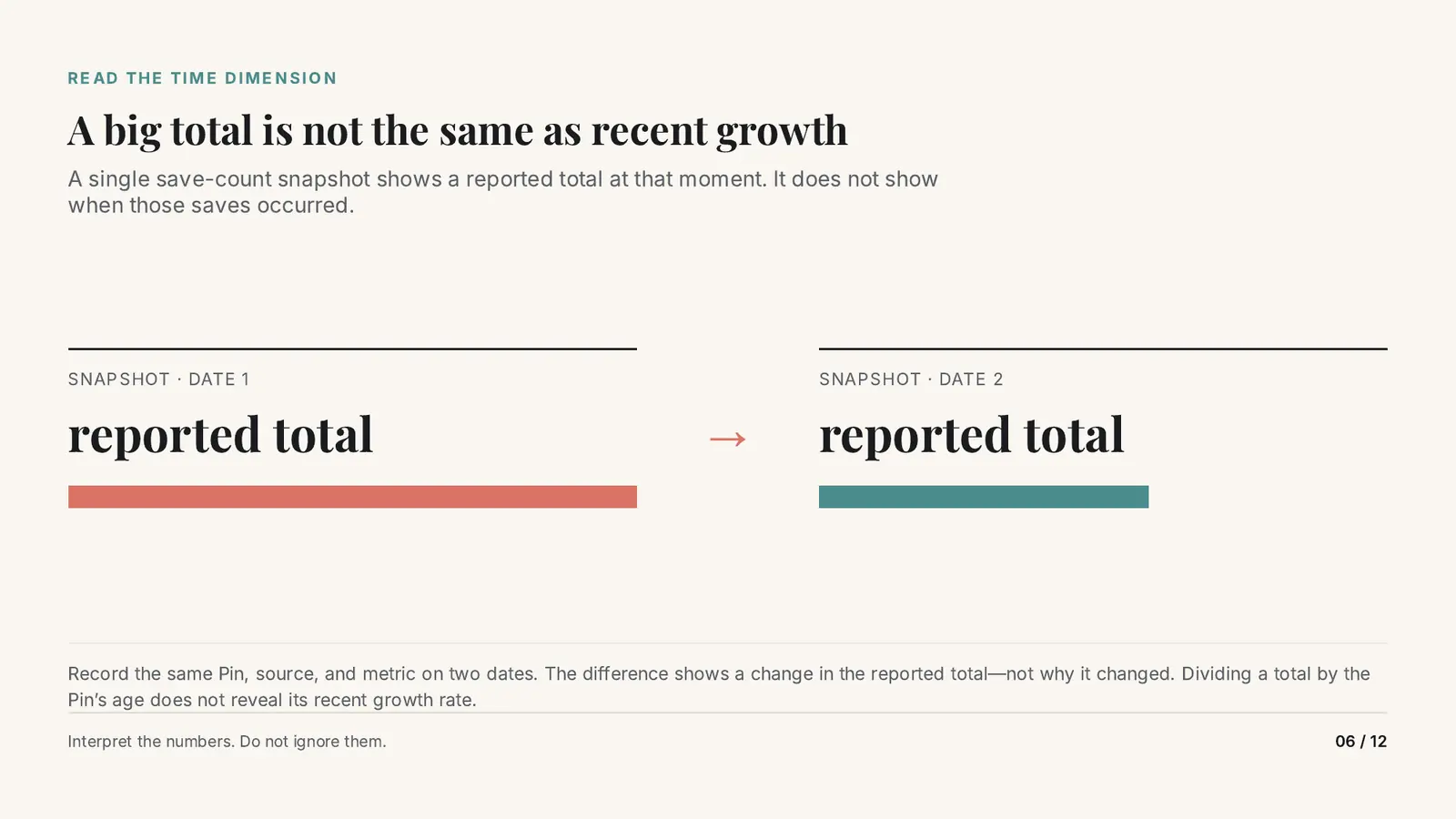
- Does a big save total mean a Pin is popular right now? No. A save count is a snapshot of a total, not a record of when the saves happened. Record the same Pin, source and metric on two dates to see a change. Dividing a total by the Pin’s age does not reveal its recent growth.
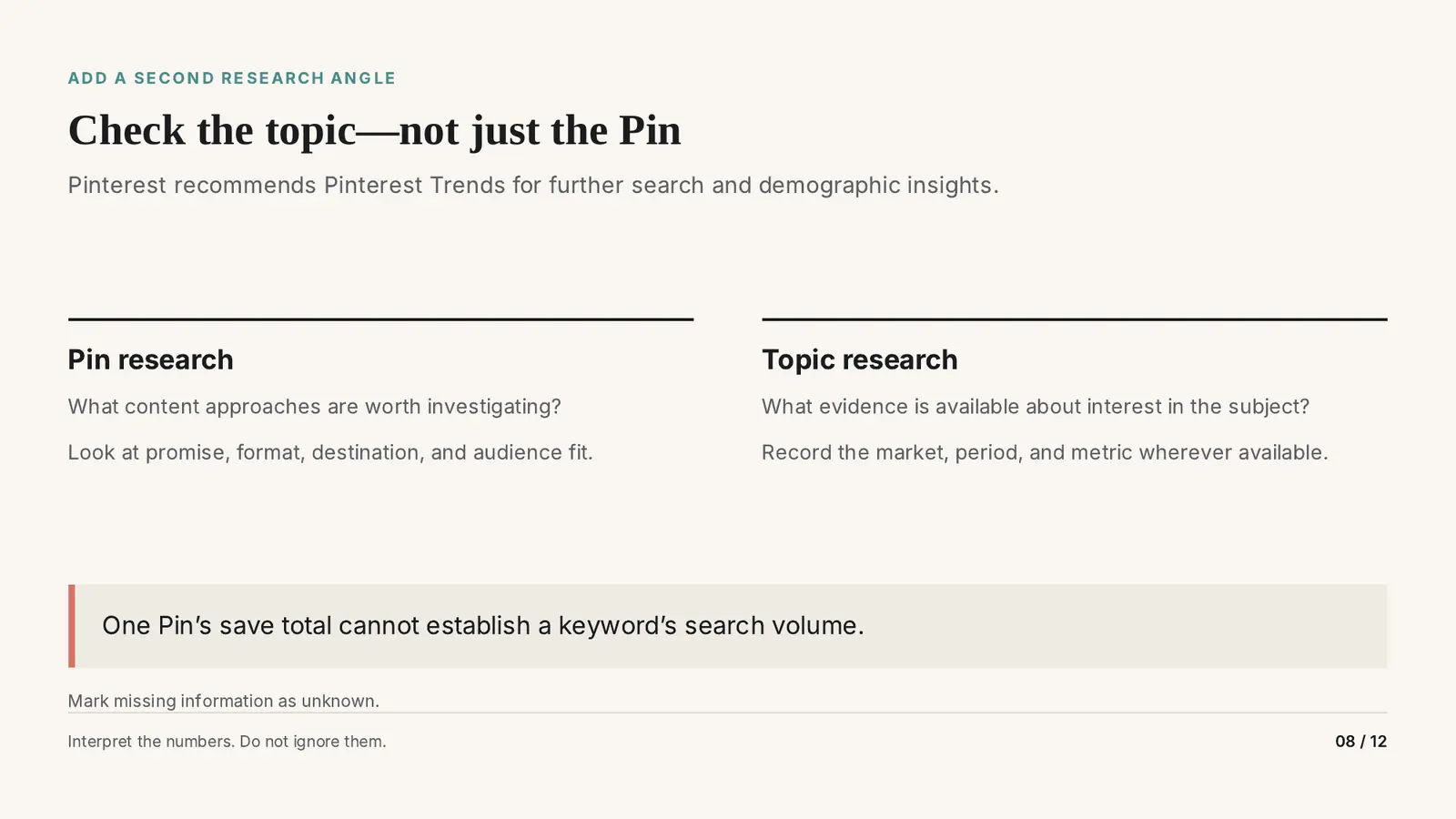
- How do I research the topic and not just the Pin? Add a second angle. Pin research asks which content approaches are worth investigating; topic research asks what evidence exists about interest in the subject. Pinterest recommends Pinterest Trends for search and demographic insight. One Pin’s saves cannot establish a keyword’s search volume.
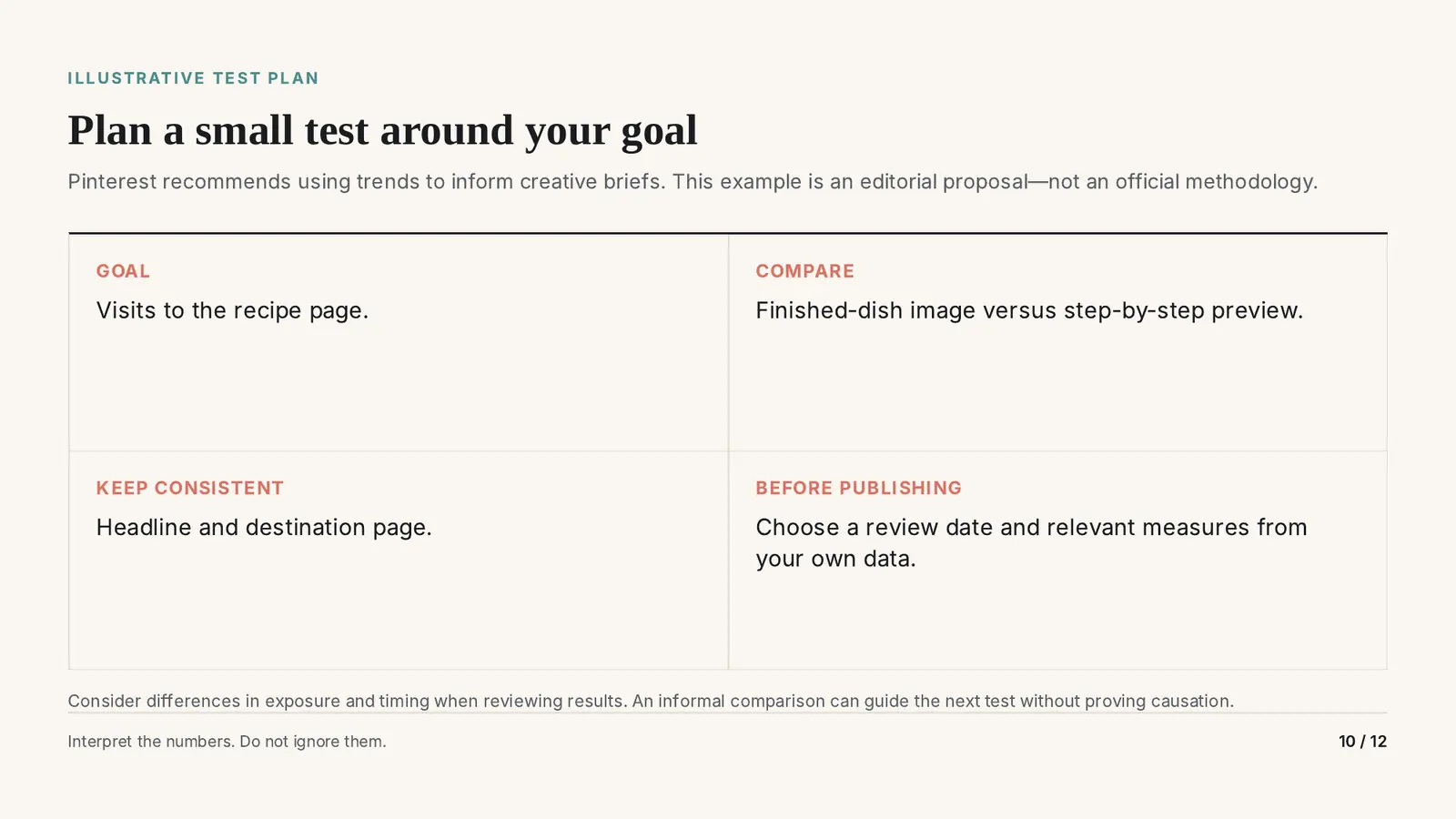
- How do I turn a pattern I noticed into a decision? Phrase it as a question, not a conclusion, then plan a small test around your goal: change one thing, keep the headline and destination the same, and pick a review date and measures from your own data before publishing. An informal comparison guides the next test without proving causation.
You sort a board, a search or a competitor’s profile, and one Pin stands far above the rest. The temptation is obvious: make one like it.
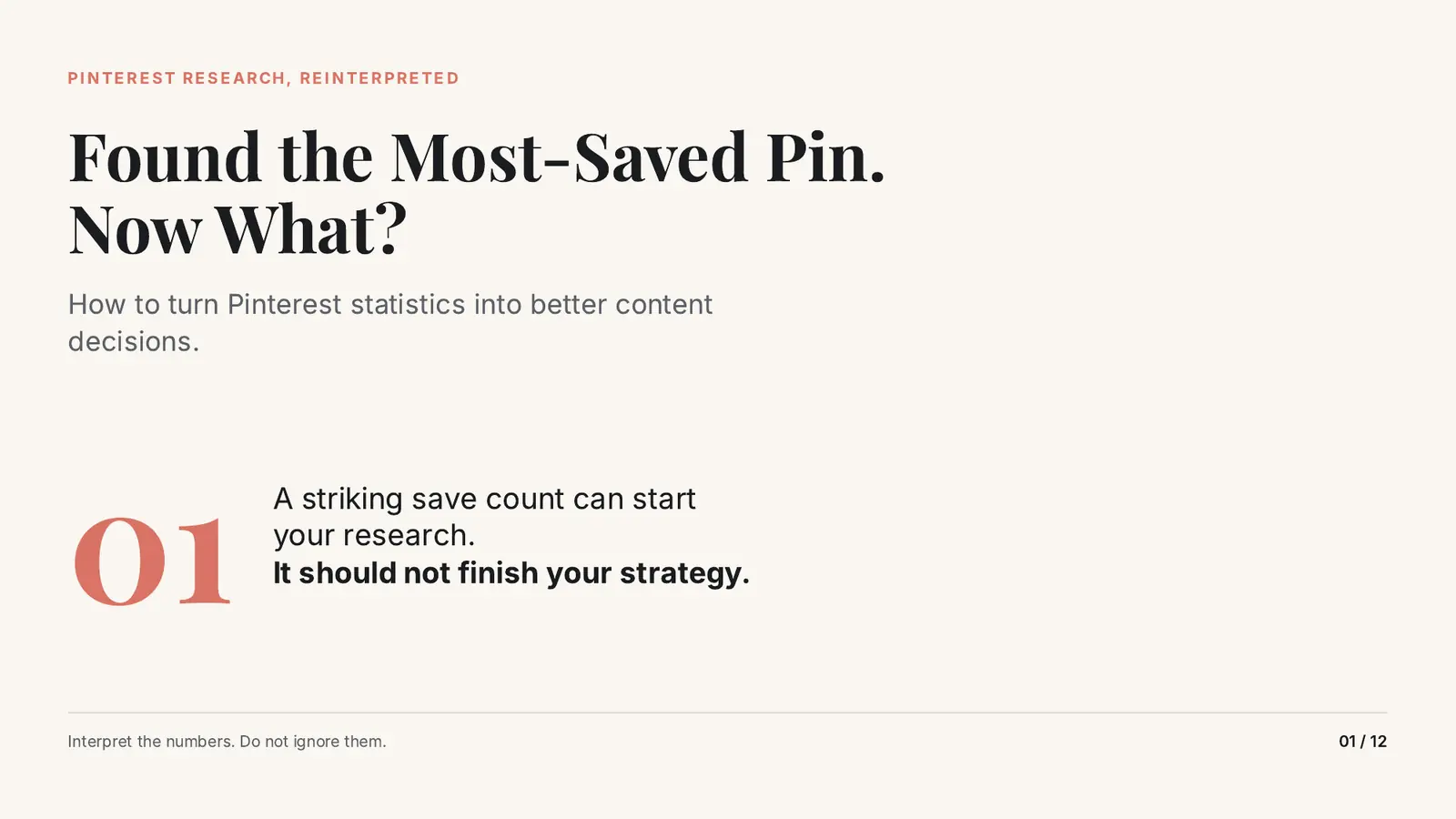
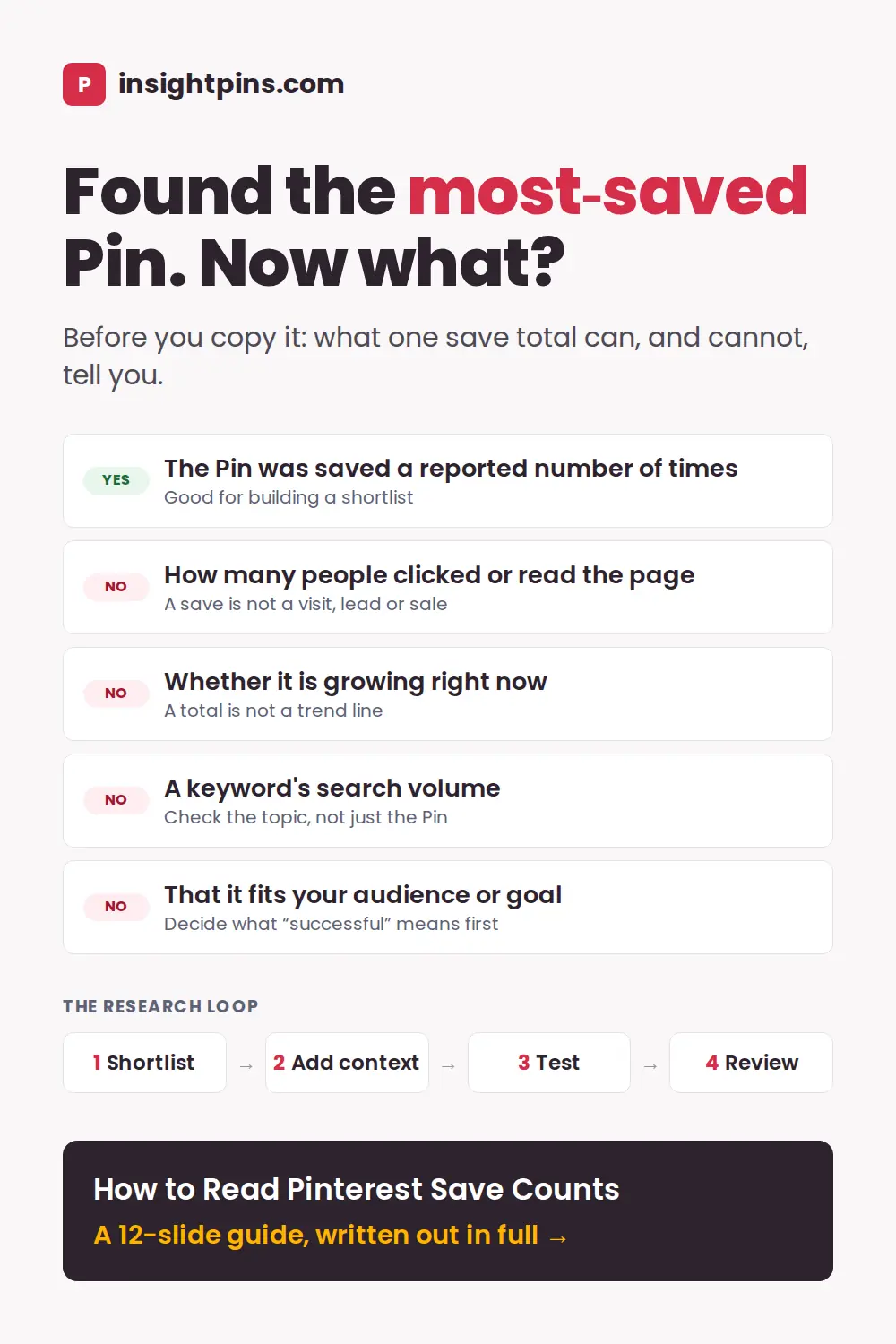
A striking save count is a good place to start your research. It should not be where your strategy ends. This deck walks through what a save total can and cannot tell you, and the few extra steps that turn a big number into a better content decision.
The slides are below, followed by every slide written out in full, so you can read it whichever way suits you.
The Deck: 12 Slides
Swipe, or use the arrows.
Every slide is written out as text below. Download the slides as a PDF (12 pages, 585 KB).
- Found the Most-Saved Pin. Now What?
- Shortlist With Saves, Decide With Context
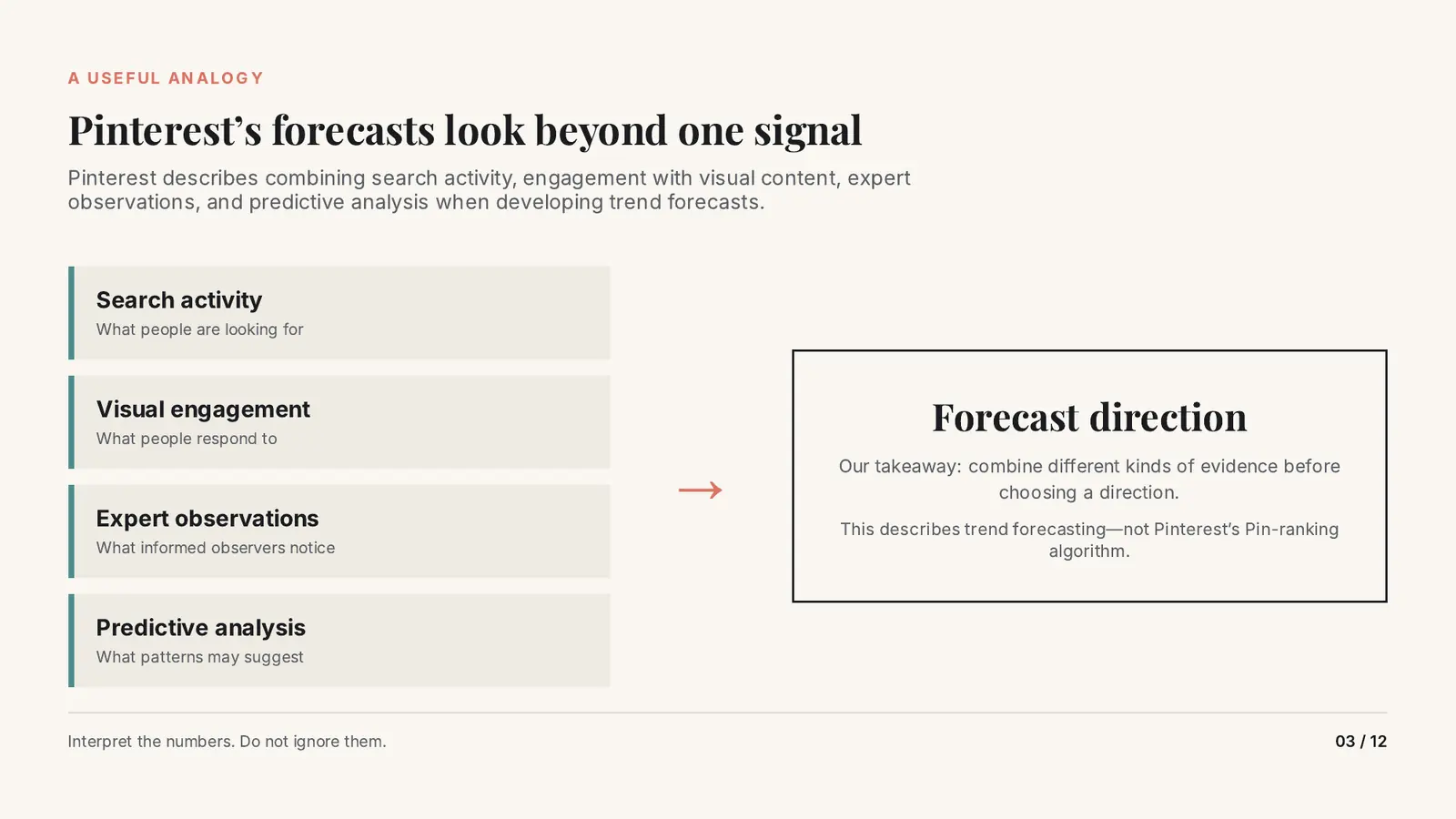
- Pinterest’s Forecasts Look Beyond One Signal
- Define “Successful” Before Choosing a Winner
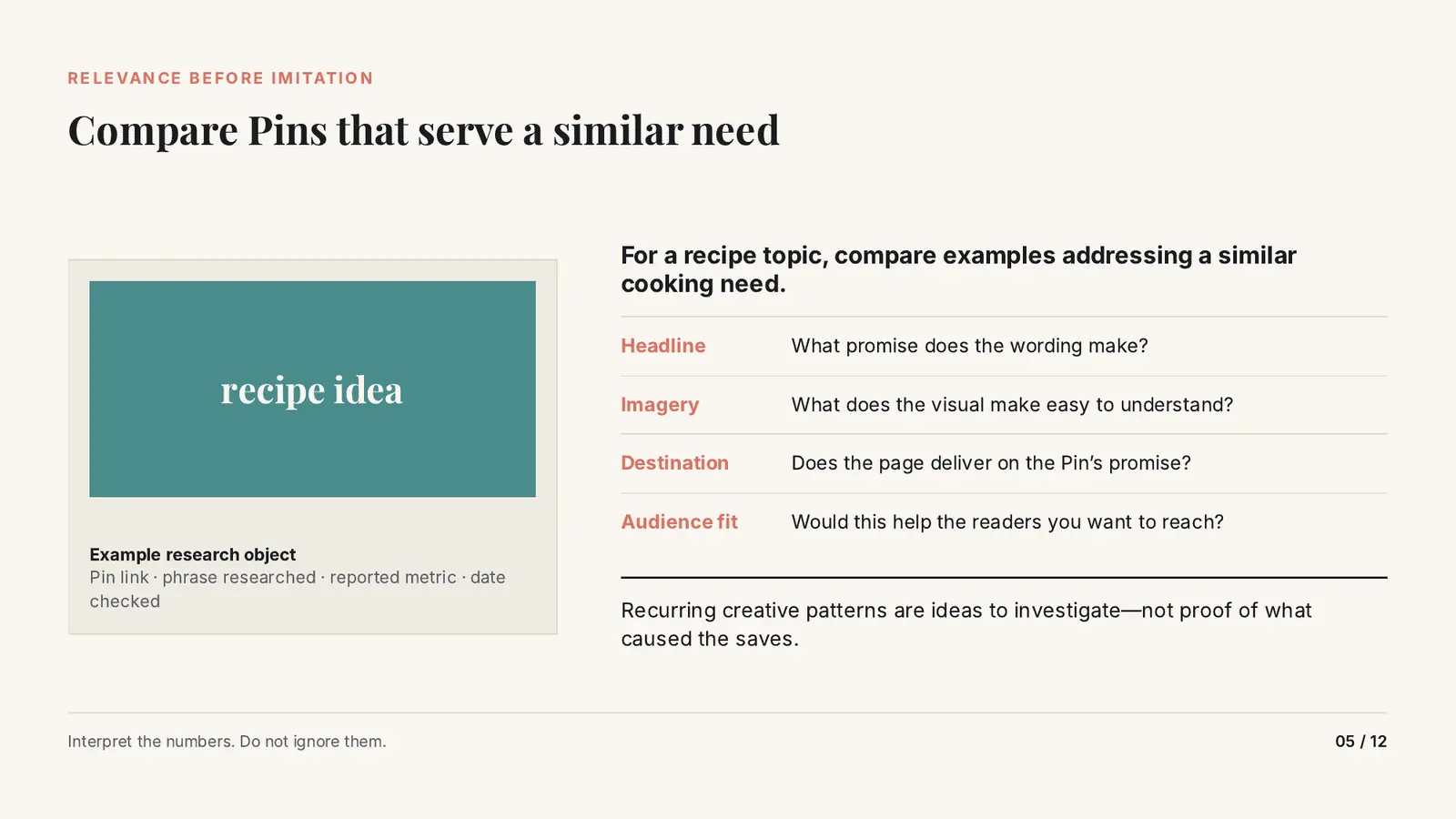
- Compare Pins That Serve a Similar Need
- A Big Total Is Not the Same as Recent Growth
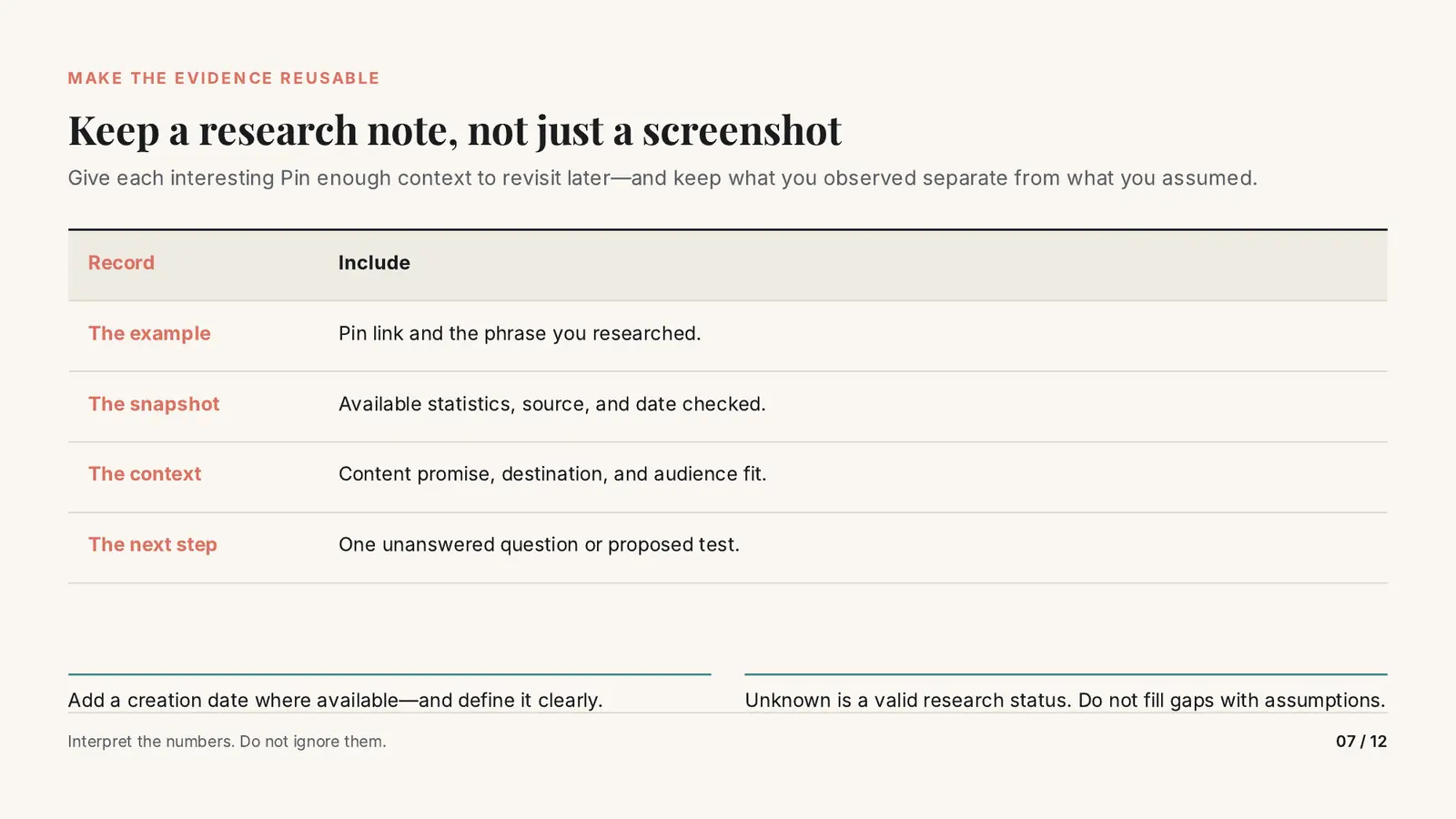
- Keep a Research Note, Not Just a Screenshot
- Check the Topic, Not Just the Pin
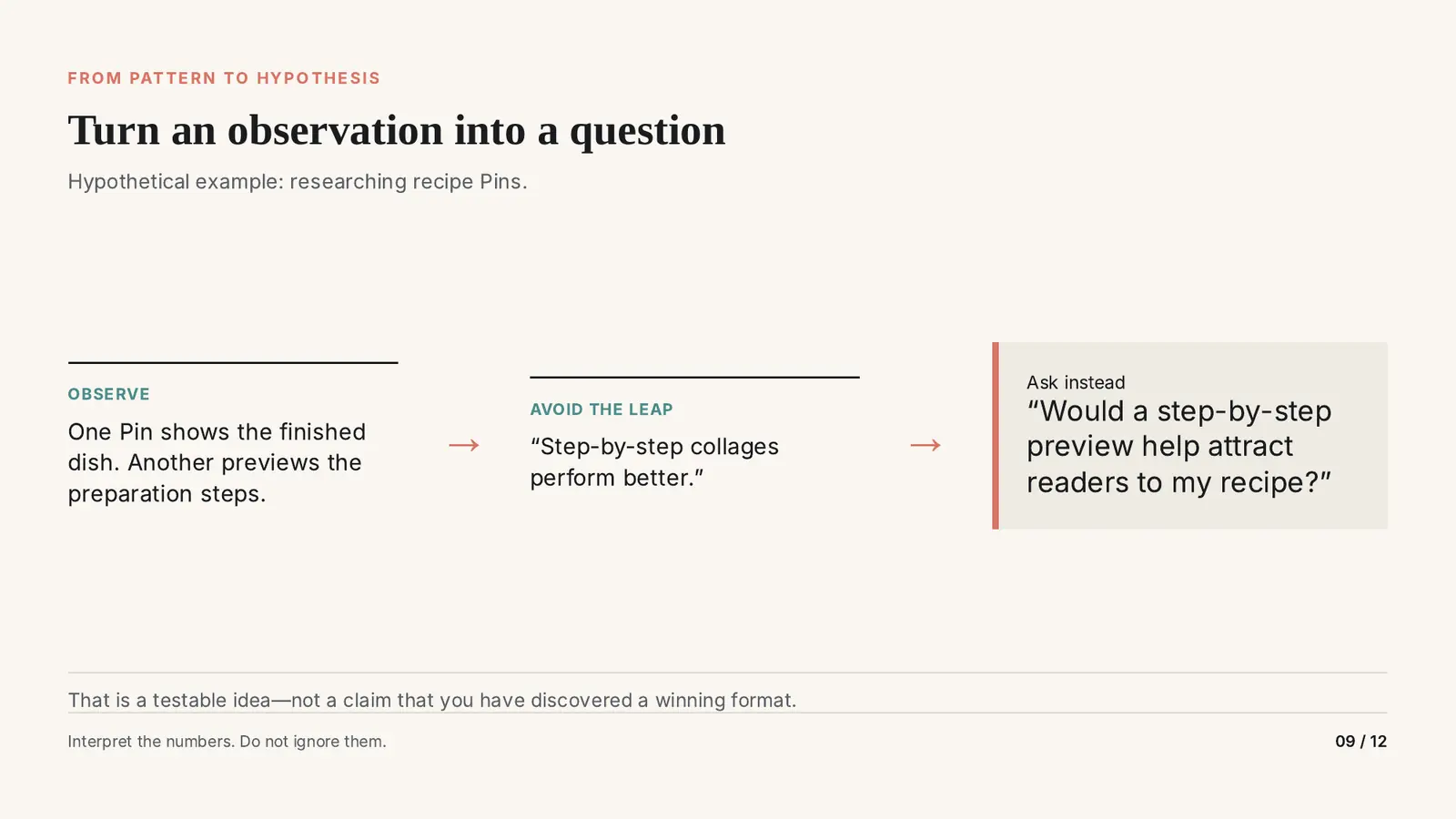
- Turn an Observation Into a Question
- Plan a Small Test Around Your Goal
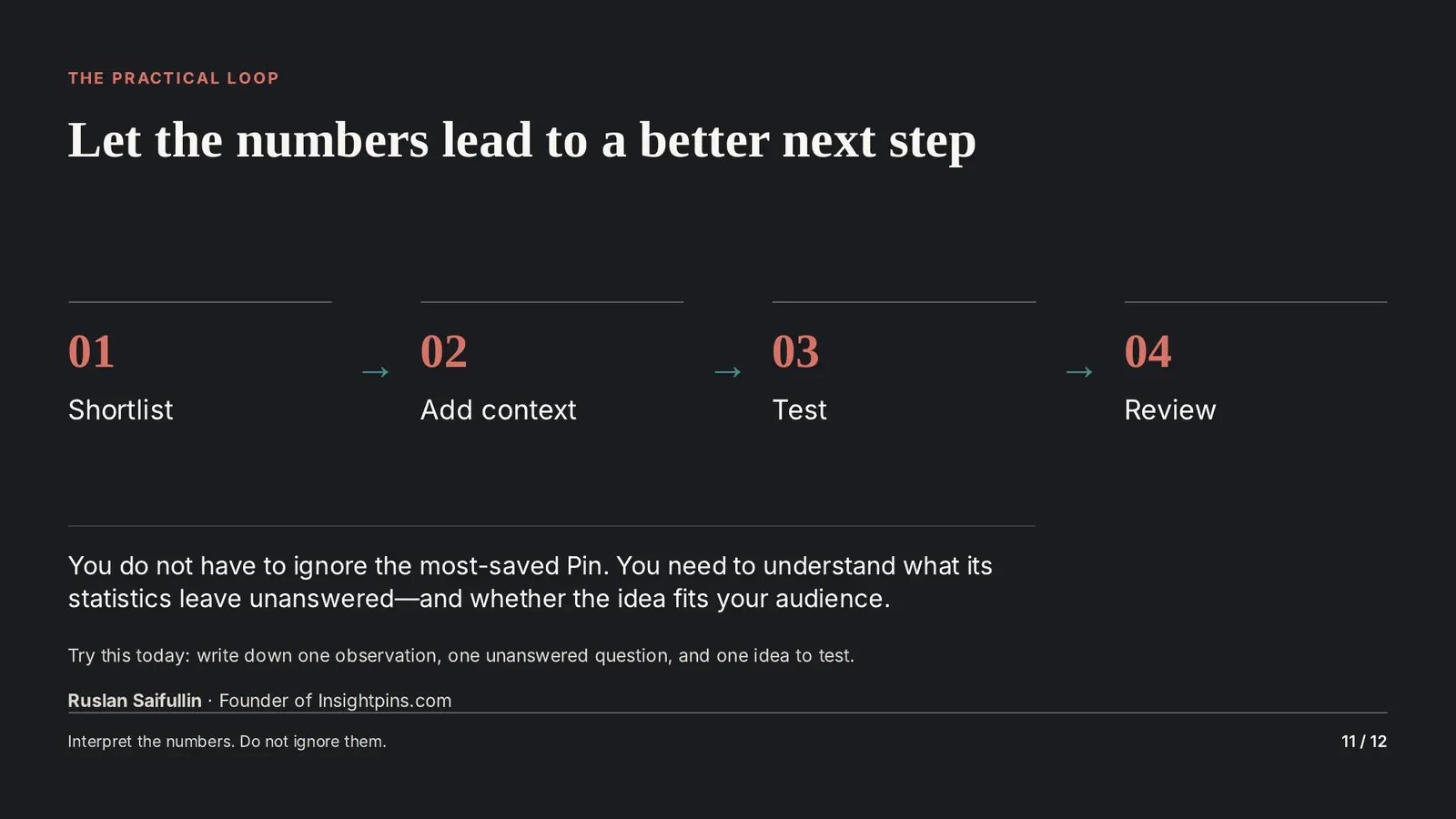
- Let the Numbers Lead to a Better Next Step
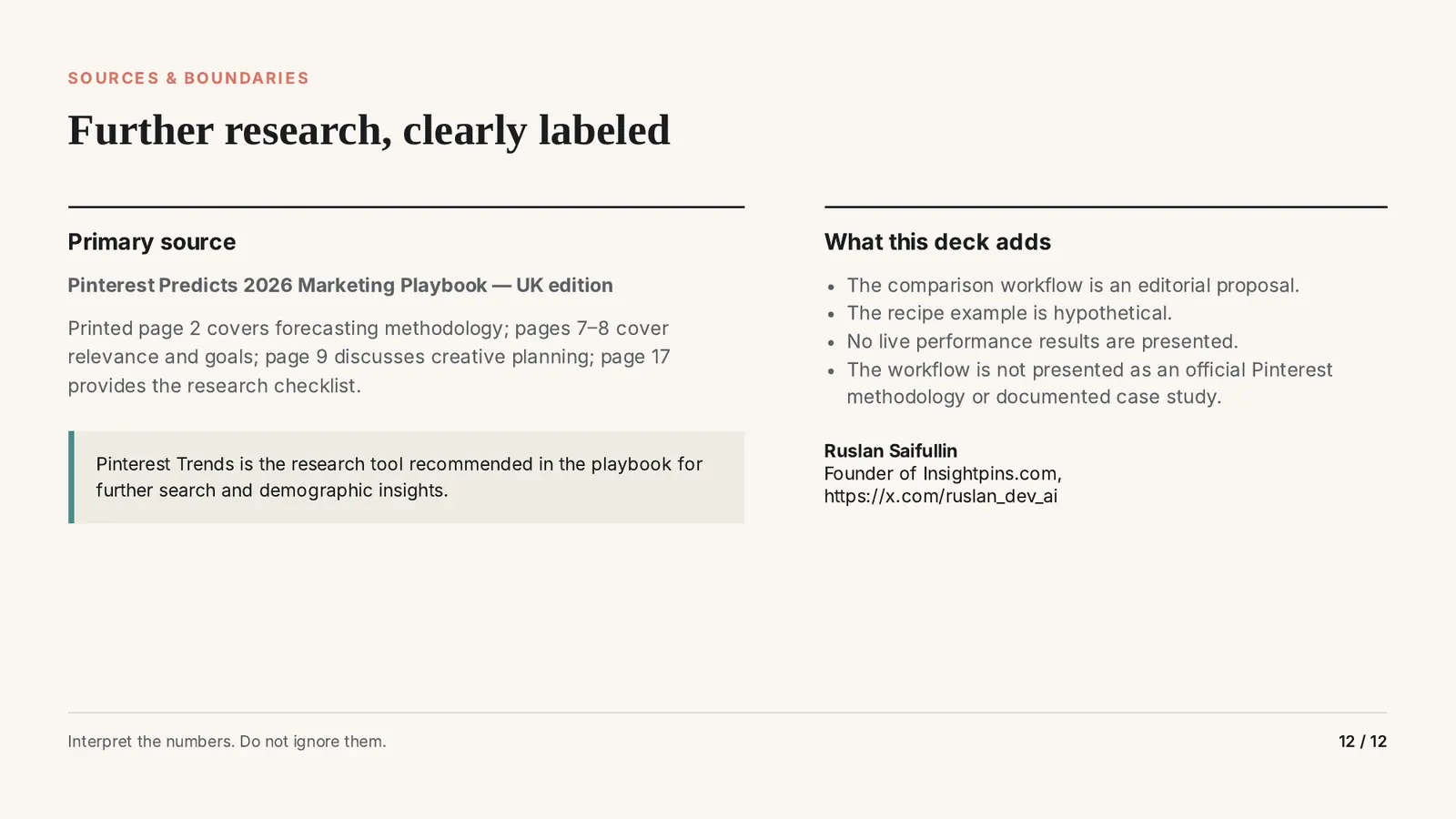
- Sources and Boundaries
- How to Read Pinterest Save Counts with ChatGPT or Claude
- Pinterest Save Counts: Common Questions
Let the Numbers Lead to a Better Next Step
- Shortlist Use saves to find candidates.
- Add context Audience, timing, goal and topic evidence.
- Test Change one thing, keep the rest the same.
- Review Against your goal, on the date you chose.
You do not have to ignore the most-saved Pin. You need to understand what its statistics leave unanswered, and whether the idea fits your audience.
How to Read Pinterest Save Counts with ChatGPT or Claude
Neither ChatGPT nor Claude can see a Pin’s save count, its search volume or why people saved it. They have no live Pinterest data, and if you ask for those numbers they may guess. What they do well is the thinking around numbers you collected yourself: sorting a shortlist into what you know and what you are assuming, working out the change between two dated snapshots, and turning a pattern into a question you can test.
ChatGPT or Claude: which to use for each job
| Job | ChatGPT | Claude | Pick |
|---|---|---|---|
| Sort research notes into observations, assumptions and unknowns | Yes | Yes | Either |
| Work out the change between two dated snapshots in a pasted table or attached CSV | Yes | Yes | Either; ask it to show the sums |
| Turn an observation into a question and a small test plan | Yes | Yes | Either |
| Keep your audience, goal and note template for every research session | A project | A project | Either |
| Look up a Pin’s save count, a keyword’s search volume or a trend | No live Pinterest data | No live Pinterest data | Neither: collect it yourself |
Features as described in October 2026. Both assistants change often; check before you build a routine on one feature.
Use the one you already pay for. For this job the two are interchangeable: the quality of the answer depends on the notes you paste in, not on the assistant.
Three prompts to copy
Replace everything in square brackets. Each prompt works in either assistant.
Below are my research notes on Pinterest Pins for the phrase "[phrase]". Each row has the Pin link, the save count I saw, where I saw it, the date I checked, the headline, what the image shows, and where the Pin links to.
My audience: [who you write for]. My goal for this content: [awareness / consideration / conversion, in one sentence].
1. Split what the notes show into: what I observed, what I am assuming, and what is unknown.
2. List the creative patterns that repeat among the most-saved Pins, each phrased as a question to investigate, not as a cause of the saves.
3. Say which Pins fit my audience and goal, and why.
Rules: use only the numbers in my notes. A save count is not clicks, visits or recent growth, so do not describe it as any of those. Write "unknown" wherever my notes have a gap.

[paste your notes, one Pin per line]Below are save counts for the same Pinterest Pins, checked on two dates.
Columns: Pin link | source | metric | date 1 | total on date 1 | date 2 | total on date 2
For each Pin:
- the change in the total between the two dates
- the average change per day between the two checks
Then rank the Pins by change per day.
Rules: show the arithmetic for each row. Flag any row where the source or metric differs between the two dates, and leave it out of the ranking. Do not divide a total by the Pin's age, and do not guess why a total changed.
[paste the table or attach the CSV]My goal: [for example, visits to my recipe page].
What I observed: [for example, one Pin shows the finished dish, another previews the preparation steps].
1. Rewrite my observation as one question I could test, not a conclusion.
2. Plan a small test: the one thing to change, what to keep the same (headline and destination page at least), a review date, and which measures from my own data to check on that date.
3. List what the result could not prove, including differences in exposure and timing.
Do not promise results or quote statistics I have not given you.These prompts are only as good as the notes behind them. With the free Pin Stats extension, note the saves and creation date of the top 15 to 20 Pins for a phrase as you scroll. On Pin Stats Pro you can export the whole search as a CSV and attach the file instead. For Prompt 2, do that on each of your two dates: Pin Stats shows the totals at the moment you look, and does not keep a history for you.
Prompt or project: which to set up
- A prompt is enough for a one-off look at a shortlist. Copy one of the three above.
- A project suits research you repeat, in either assistant. Put your audience, your goal sentence and your research-note columns in a ChatGPT or Claude project once, then paste in each new shortlist. The project keeps the rules, so you stop retyping “a save is not a click”.
Nothing here needs a skill or a connector: the job has no strict output format, and the assistant never has to act in another service.
Pinterest Save Counts: Common Questions
Do Pinterest saves mean people clicked through to my site?
No. A save means someone kept the Pin on one of their boards. It does not tell you whether they visited the destination. Clicks to your site show up in Pinterest Analytics for Pins you own, and visits in your own web analytics.
How can I see save counts on someone else’s Pins?
Pinterest Analytics only covers Pins you own, and on anyone else’s Pins Pinterest shows engagement one Pin at a time, when you open it. The free Pin Stats extension shows saves, repins, likes and comments on every Pin in a feed as you browse, which makes the shortlist step quick.
How do I know whether a Pin is still growing?
Check it twice. Record the same Pin, from the same source, with the same metric, on two dates, and compare the totals. The difference shows that the reported total changed, not why. A single total, or a total divided by the Pin’s age, cannot tell you how fast it is growing now.
Can ChatGPT or Claude tell me which Pinterest Pin to copy?
Not on their own. Neither has live Pinterest data, so neither can see a Pin’s save count, its search volume or why people saved it. Give either one your own dated notes and it can sort what you observed from what you assumed, work out the change between two snapshots, and turn a pattern into a small test. The decision stays yours.
Is this an official Pinterest method?
No. The deck draws on Pinterest’s 2026 Marketing Playbook for its forecasting description and its recommendation of Pinterest Trends, but the comparison workflow is an editorial proposal and the recipe example is hypothetical. No live performance results are presented.
Build your shortlist faster
Pin Stats is a free Chrome extension that shows per-Pin saves, repins, likes, comments and creation dates as you browse Pinterest, on your own Pins and on anyone else’s. It covers step one of the loop, the shortlist. The context, the test and the review are yours.